
Some hiking routes remain elusive on the most popular platforms. Yet, detailed mapping layers exist, often overlooked by hurried or novice users.
In just moments, it is possible to display finely detailed topographic data, access soil structure, or consult cadastral information. Provided, of course, that you know where to click and take the time to explore the platform’s multiple features. This know-how opens the door to new uses: preparing a hike, studying a terrain in depth, or planning an agricultural project on solid foundations.
Why Géoportail is the reference for exploring France through maps
The uniqueness of French territory is not only due to its varied landscapes: it is also evident in the rigor of its cartographic representations. Géoportail, managed by the National Institute of Geographic and Forest Information (IGN), offers an interface where the richness of content never hinders usability. The IGN maps are not limited to a simple topographic background. They also include aerial photographs, cadastral cuts, all hydrographic networks, and the outlines of natural areas to be preserved.
What distinguishes mapping with the Géoportail application is the variety of accessible data. Whether you are an experienced hiker, a farmer, an urban planner, or simply curious, the platform transforms each piece of information into an exploitable resource. Topographic maps, satellite views, thematic layers on land use, risks, or heritage inventory: everything coexists and remains readable.
Géoportail has evolved to adapt to every use, offering advanced tools: location via precise coordinates, management of multiple layers, customized printing, data export. Professionals appreciate the rigor of the IGN maps, the result of methodical work conducted by the IGN and regularly updated. Local authorities and private actors draw reliable information for their projects.
Free access to these resources reinforces Géoportail’s position as a reference: it provides updated and reliable national geographic information available to all. Here, it is not just about displaying: the platform supports, enlightens, and equips every citizen eager to better understand their environment or analyze a specific territory.
What tools and features facilitate discovery on Géoportail?
The strength of Géoportail lies in the variety of its tools and the precision of its features. The interface, clear and designed for everyone, highlights the consultation of IGN maps, aerial photographs, and a wide range of thematic layers. A sidebar menu (accessible via the icon at the top left) provides access to all the data to display, adjust, or combine according to your needs.
The free mobile application offers the same responsiveness as the web version. Navigation on the map is smooth: adjustable zoom on the fly, rotation with the mouse or finger on mobile. A search function allows you to target a location, address, or specific site. A simple click on an element opens an information window detailing precise data: altitude, coordinates, soil type, cadastral information.
The measurement tool proves particularly useful: it allows you to calculate a distance or an area directly on the map, ideal for planning a hike or delineating a plot. The contour lines provide a reading of the relief, and the scale helps adjust your drawings. A dedicated button displays the complete list of available layers, which can be activated individually for a tailored reading of the territory.
Géoportail multiplies exploration options without ever cluttering the screen: readability remains intact, and access to information is structured. The advanced features are designed to assist the user without ever overwhelming the consultation experience.
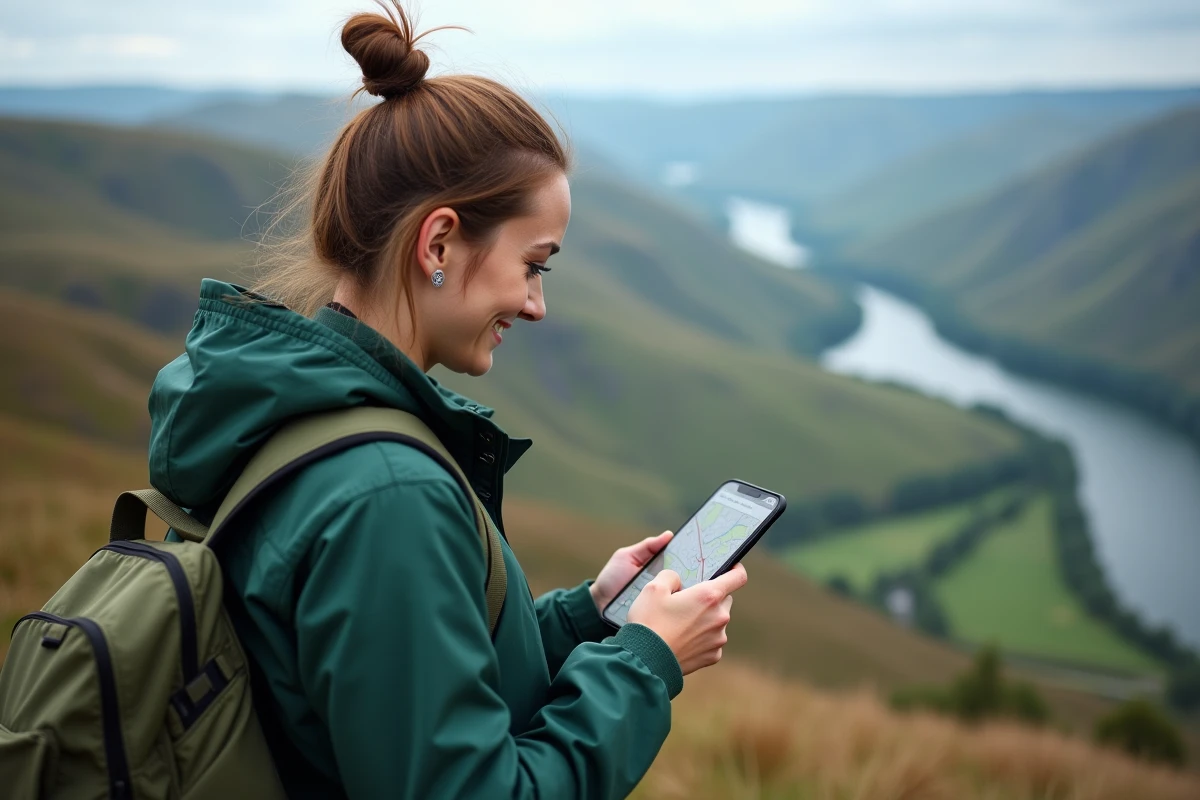
Practical tips for hiking, preparing nature outings, or analyzing agricultural soils with Géoportail
To organize a hiking route, nothing beats a detailed topographic map. Trails, contour lines, watercourses: everything is displayed with precision from the National Institute of Geographic Information surveys. It is thus possible to adjust your route considering communication routes, forest paths, and private accesses, indicated by clear colors and symbols. Information on altitude and slope allows for a concrete understanding of the upcoming difficulties.
For those who want to venture into nature, several options allow for refined preparation:
- superimposing classic IGN maps,
- activating aerial photographs
- and, as needed, displaying cadastral data.
Adjusting the display according to the area of interest, spotting forests, wetlands, or plot boundaries becomes child’s play. Each map can be adapted to offer a fine and personalized reading of the space to explore.
Professionals in the agricultural world, technicians, or students benefit from layers dedicated to soil analysis. It becomes possible to identify the type of plot, visualize the IGN forest mapping, locate crops, wetlands, and hydraulic networks. The measurement tool allows for determining the area of a field or the length of a ditch. For each use, Géoportail provides structured, reliable, and directly exploitable information for making informed decisions.
Exploring France via Géoportail offers the possibility to read the territory differently: wandering on forgotten paths, deciphering landscapes, or revealing the secrets of agricultural soil. On the screen, each map becomes a promise of discovery that is both precise and accessible. And the next time the urge for adventure strikes, just a few clicks will be enough to chart your course with confidence.